The style of the reports, valid for the whole installation.
What you see
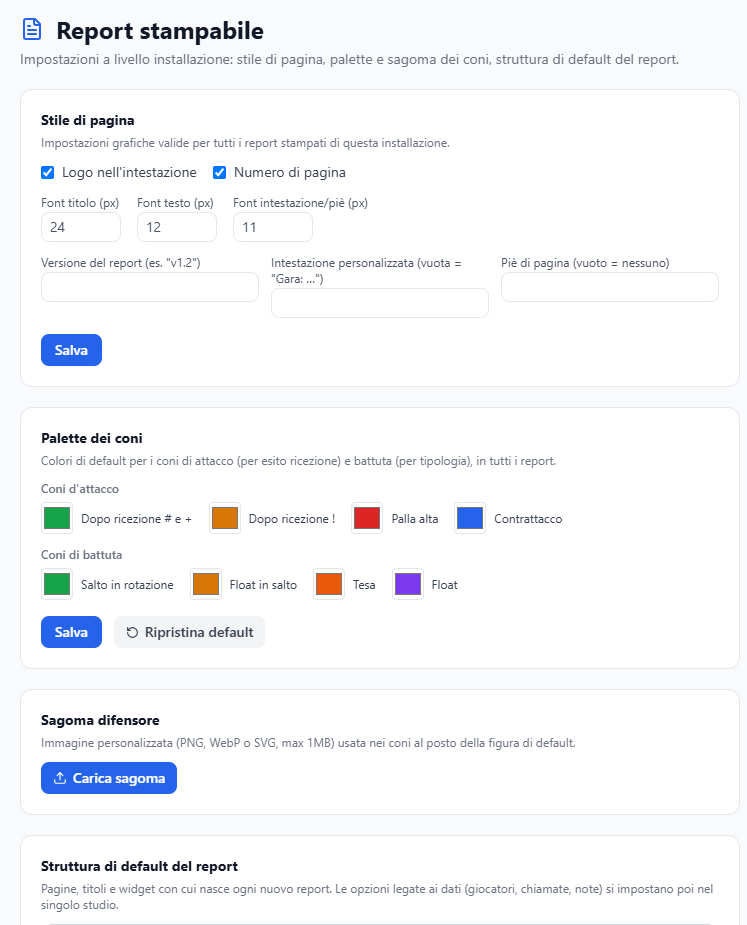
- the page style and the custom header;
- the palette and the cone shapes, with the option to upload your own image;
- the default structure of the blocks;
- the installation logo, shown in the header and on the cover page of every report.
What you can do
- Upload the club's logo.
- Choose palette and shapes.
- Set the default header.
Good to know
- It holds for every report, including the ones already created: the document is composed at the moment it is printed.