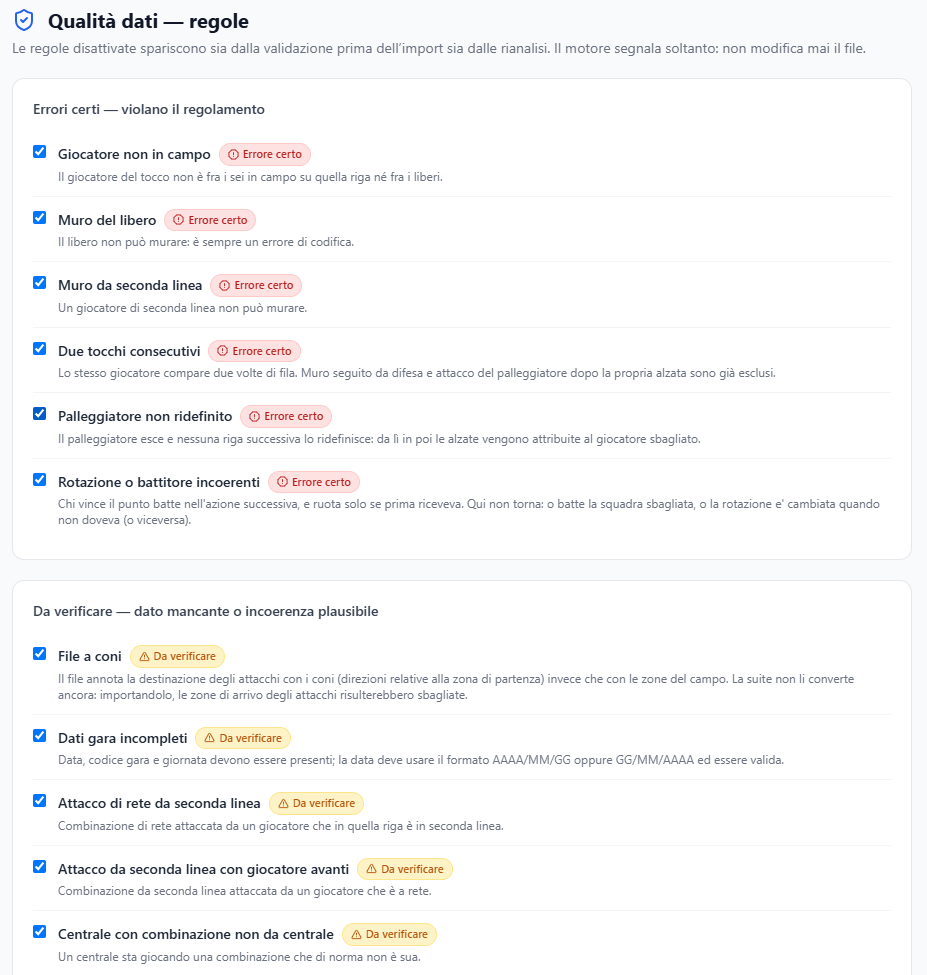
The switches of the check rules: one by one, on or off.
What you see
The list of rules split by severity — certain errors and to be checked — each with its explanation and its switch.
What you can do
- Turn off a rule that makes no sense in your context.
- Read again the explanation of what each one checks.
Good to know
- Turning off a rule does not delete the findings already found right away: it stops producing new ones, and the old ones go away at the next «Re-analyse» in Data quality.
- A check that always reports is always ignored: if a rule produces only noise on your files, turning it off is the right choice.
- For a single finding there is no need to turn the rule off: in Data quality you mark it «Checked» and it leaves the list. Turn the rule off when it reports in every match something your scout does not record.